

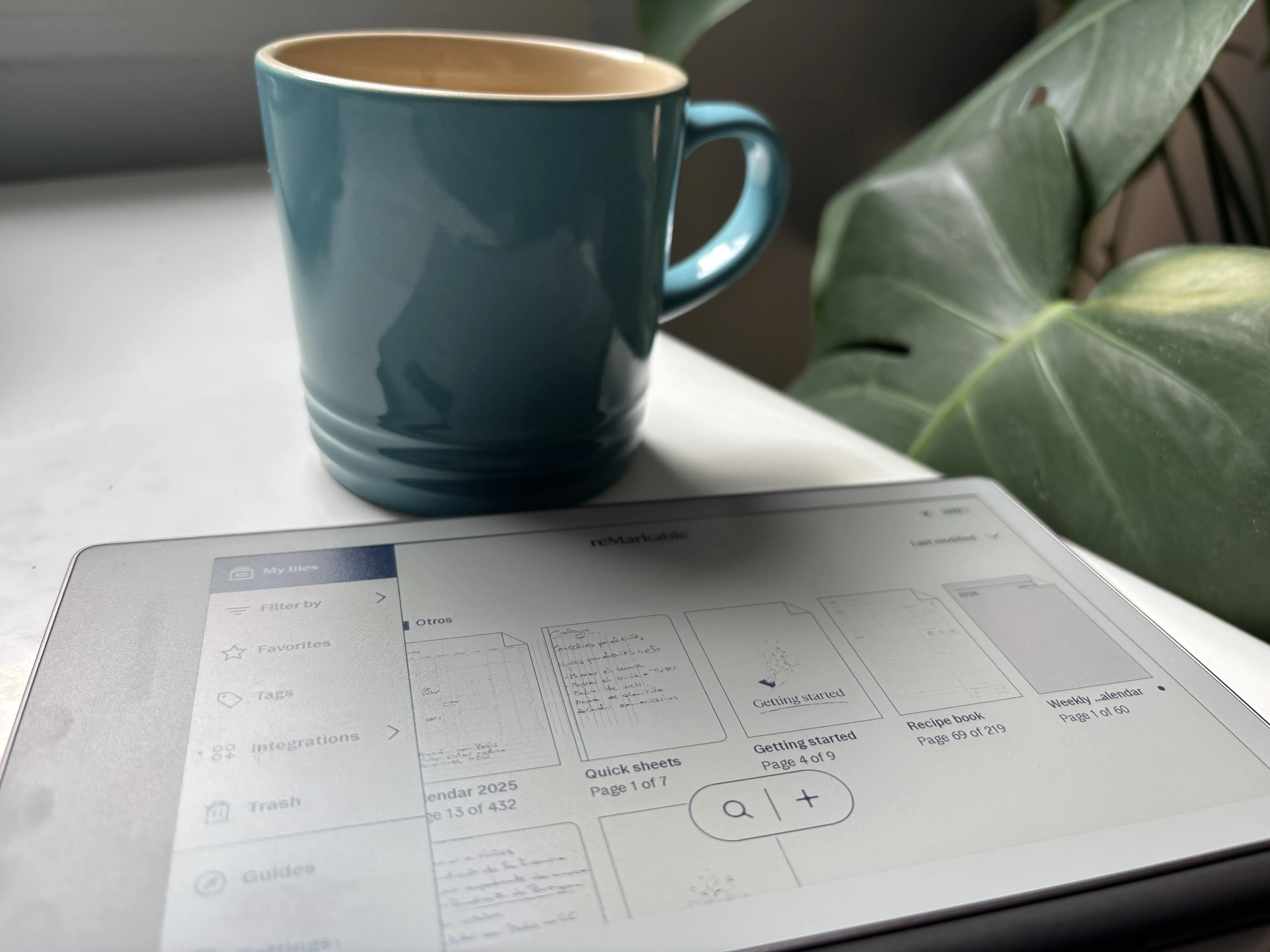
We were eager to try a Remarkable, and the launch of the Paper Pro Move sealed the deal. Ever since Panos Panay ‘s time , we’d been considering carrying a notebook to jot down work notes or anything else. However, there wasn’t a portable solution. With the arrival of the Remarkable Paper Pro Move , that gap is closed, offering an outstanding device designed for those who still need to write by hand but want the convenience of having everything digital and always synchronized.
Remarkable Paper Pro Move, a digital Moleskine within reach of very few.
Let’s start by saying that this device isn’t cheap. Its starting price is €479, to which we then have to add the case for the not insignificant sum of €69 or €99, although there are alternatives on AliExpress. This can already be a difficult entry point. Not everyone has the money to spend on an accessory like a smartphone. And here lies part of the dilemma: it doesn’t replace your phone, your tablet, or your laptop ; it’s meant to complement them all.
However, this device has only one function: taking notes . It’s not a device where you’ll jot down notes and get lost doing other things. Remarkable knows exactly what it’s doing and excels at it. In fact, this lack of distractions—no notifications, no social media, no email—is one of its biggest advantages over any traditional tablet: you turn it on, you write, and that’s it.
Design
The design of this Remarkable Paper Pro Move is exquisite, with its metallic edges , plastic back (which is never visible when it’s in its case), magnets in the corners, and front screen. It’s a simple yet elegant design with near-perfect functionality. This device is visually appealing: slim, lightweight, and with that premium notebook feel that makes you want to open it and start writing.
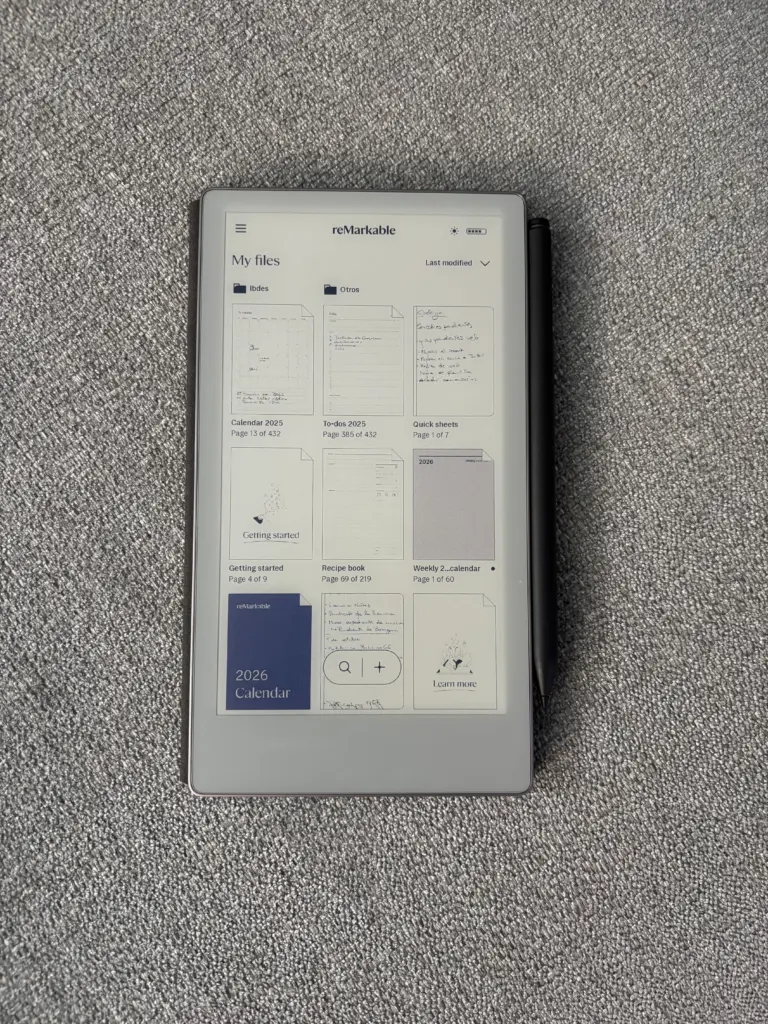
The materials convey quality and, above all, confidence when carrying it in a backpack or briefcase. It doesn’t feel like a «fragile tablet» but rather a serious work notebook. The magnets allow the case and stylus to fit together naturally, without any struggle. The only drawback we can find with the screen is that we would have preferred a smaller bottom bezel . We understand that in the second iteration they will reduce the bezel or the overall size of the device. The bezel does help with grip, yes, but it slightly disrupts the symmetry of a product that otherwise borders on outstanding in design.
Screen
The screen is everything on the Remarkable Paper Pro Move. It’s our primary access point to information and our filing cabinet. We might have appreciated more organizational capabilities , but overall, it works very well for taking all kinds of notes.
The response is fast and the visibility is perfect regardless of the viewing angle. Furthermore, since it’s e-ink, the battery lasts a very long time, allowing us to forget about the charger and focus solely on what’s important: having our ideas perfectly jotted down. There are no annoying reflections, it doesn’t strain the eyes, and writing on it feels very similar to writing on paper, with that slight resistance when gliding the stylus, which is much appreciated.
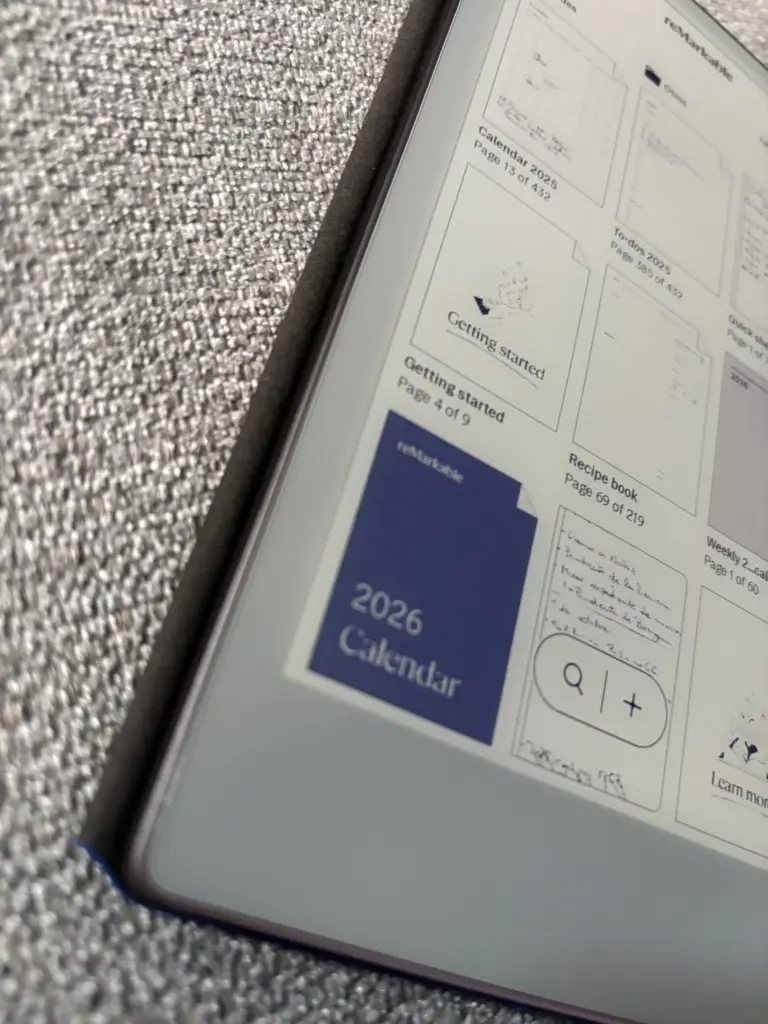
Remarkable has done a great job with the software. It’s understated yet offers connectivity with our favorite cloud service. This means our notes are always with us. We can start a sketch on the sofa, review it at the office, and review a meeting from our phone or laptop without having to export any complicated files. However, we can’t draw from other devices.
Writing experience
This is where the Remarkable Paper Pro Move truly shines. The writing experience is incredibly satisfying . There’s virtually no lag between the pen stroke and what appears on the screen, which is crucial for the brain to interpret it as «paper» and not a «slow screen.»
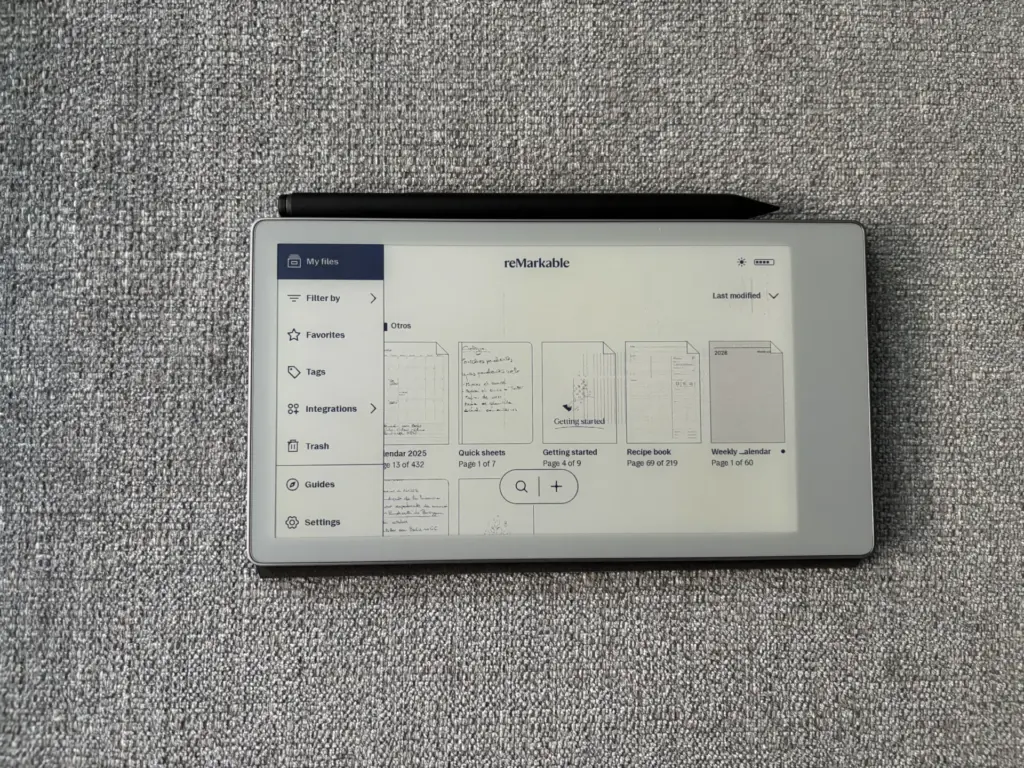
The surface provides just the right amount of friction to prevent your writing from becoming an uncontrollable scribble. You can write quickly, underline, draw arrows, sketch diagrams, or jot down ideas without worrying about the underlying technology. The different types and thicknesses of pencils help you visually organize the page (headings, marginal notes, main ideas, etc.) and transform each page into something more than just plain text.
For those who fill notebook after notebook, being able to have all those notes on a single device , with search and synchronization, is a major leap forward.
Pencil and accessories
The stylus is the essential complement to the Remarkable Paper Pro Move. It attaches magnetically to the side, which also charges the stylus, so it’s rarely left lying around on the table. The grip is comfortable, the weight is well-balanced, and after a few hours of use, it feels natural, like any quality pen.
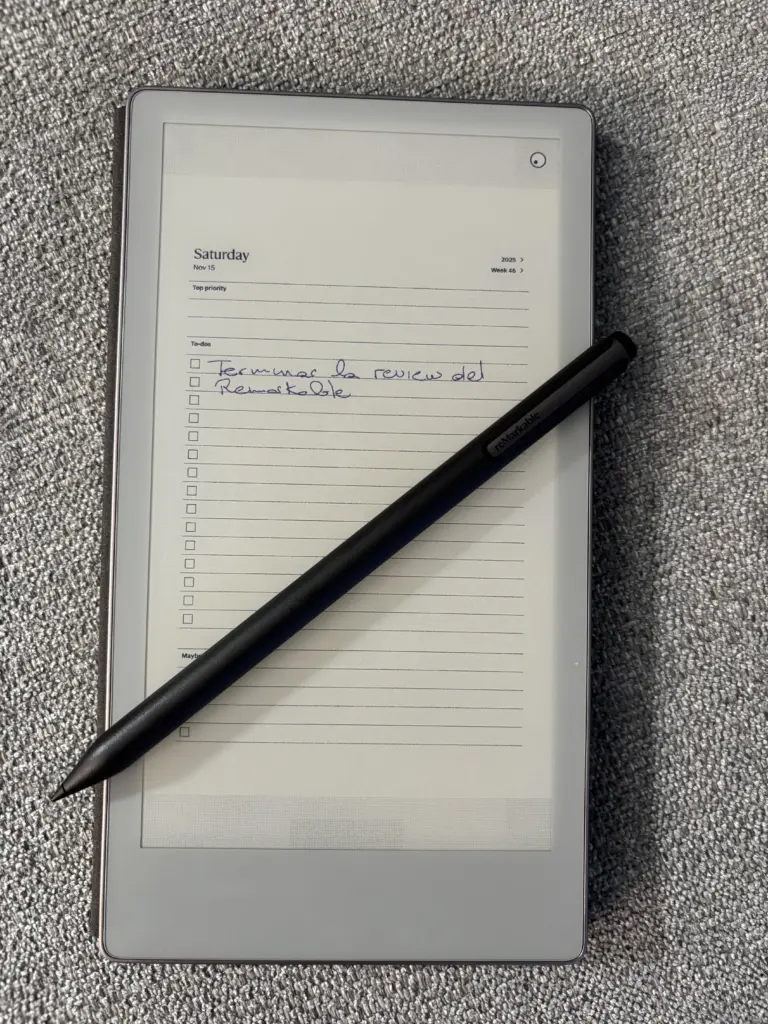
The tips wear down with use, as is normal for this type of device, but performance remains consistent. With the right case, the tablet and stylus combo becomes a kind of high-end digital Moleskine that you can open in any meeting room, classroom, or on a trip without it looking out of place.
Organization, templates and productivity
Furthermore, part of our experience has involved discovering that there are templates to further customize our experience and get the most out of it. This is the most important aspect of the device, as it literally opens up endless possibilities.
With the latest update, we can even add any Word template to our Remarkable app and use it. This opens up even more possibilities, allowing us to have not just a notebook for notes, but a notebook without limits. We could upload tests for a subject and test ourselves.
It can be our recipe notebook, contacts, notes, to-do list, travel planner … It can even serve as our calendar for scheduling appointments and organizing work calls. The uses are endless, and it works flawlessly. It’s undoubtedly an amazing purchase that we use every day.
In addition, it offers features such as creating themed notebooks, using tags to easily locate specific projects, and combining handwritten text with annotations on PDFs or documents sent to the device. In other words, it’s not just a blank notebook: it’s also a tool for editing documents, signing contracts, or preparing presentations calmly and without distractions.
Battery and autonomy
Battery life is another of the Remarkable Paper Pro Move’s strengths. The combination of e-ink and a very streamlined operating system means you can go days—even weeks, depending on usage—without needing to plug it in. It’s not your typical tablet that needs charging every night.
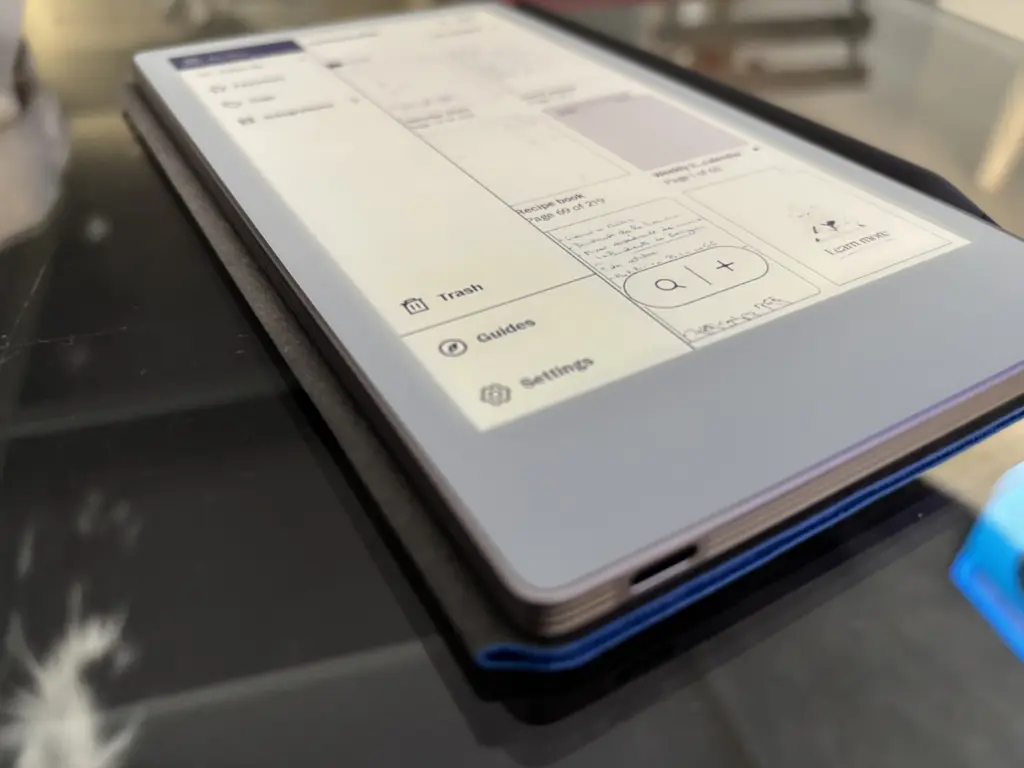
This changes your relationship with the device: you leave it on the table, pick it up when you need it, and it’s always ready. For those with busy days full of meetings, travel, and changes in environment, it’s a relief to know you won’t run out of battery in the middle of an important note-taking session.
Software, synchronization and ecosystem
Remarkable has done a great job with the software, but also with the companion apps. The desktop and mobile applications make it easy to send documents to the device, export notes, or simply review what we wrote yesterday without taking the tablet out of our bag.
The system isn’t meant to be a Swiss Army knife: there’s no catalog of applications or a cluttered desktop. Everything here revolves around notebooks, documents, and notes. This simplicity, far from being a limitation, becomes its greatest strength. We know that when we turn it on, it’s to think and write , not to get bogged down by notifications.
What we would like to see improved
Of course, it’s not all perfect. We’ve already mentioned the bottom bezel, which slightly disrupts the balance of the front. We also miss some advanced organizational features that would make managing multiple notebooks and projects even easier.
It’s the kind of device where you imagine future versions will feature an even more powerful search system, improved calendar views, or deeper integrations with productivity tools. And, of course, a slightly more affordable price would greatly help it move beyond being a luxury for a select few and become a more common work tool.
Who is the Remarkable Paper Pro Move for?
The Remarkable Paper Pro Move isn’t for everyone. It’s for those who live surrounded by notebooks, sticky notes, project books, and handwritten sketches. For those who need to concentrate, write, and think without interruption . Also for professionals who review documents daily, students who take handwritten notes, or people who simply enjoy the act of writing.
If you just want «another tablet» to watch shows, browse the internet, and use apps, this isn’t the device for you. But if you want a specific tool to write better, remember better, and organize your ideas more effectively, then this is a very serious—and highly addictive—option.
In short, the Remarkable Paper Pro Move is a device that takes its sole purpose very seriously: to be your ultimate notebook. Expensive, yes; limited in features, also yes. But that’s precisely what makes it so special.